To register you must go to the following registration linkand you will need to follow the steps below:
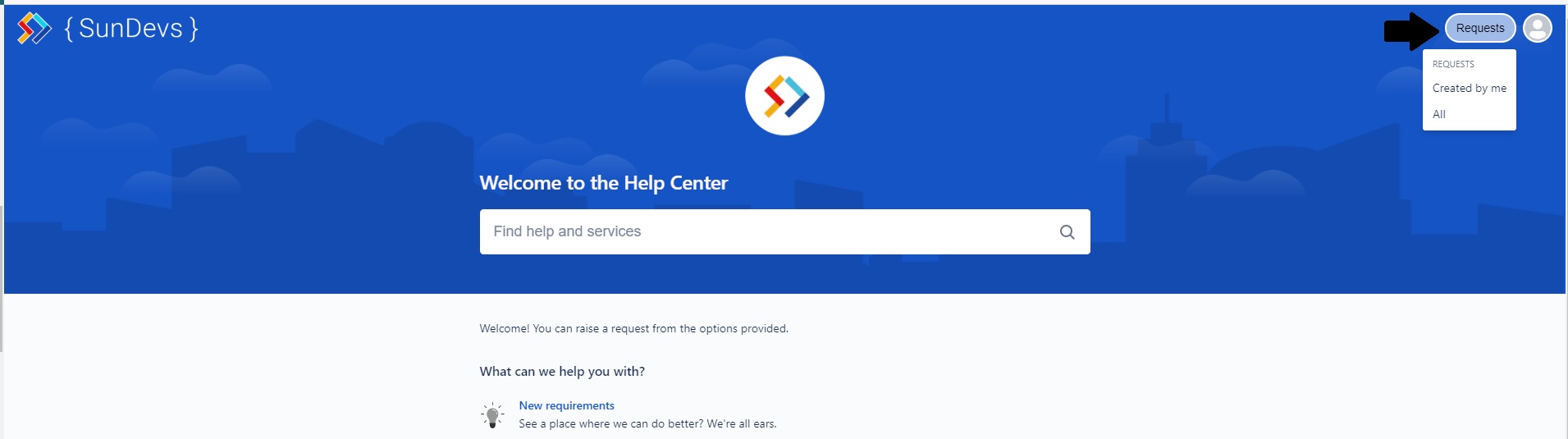
Once you are on the support portal you will see the following
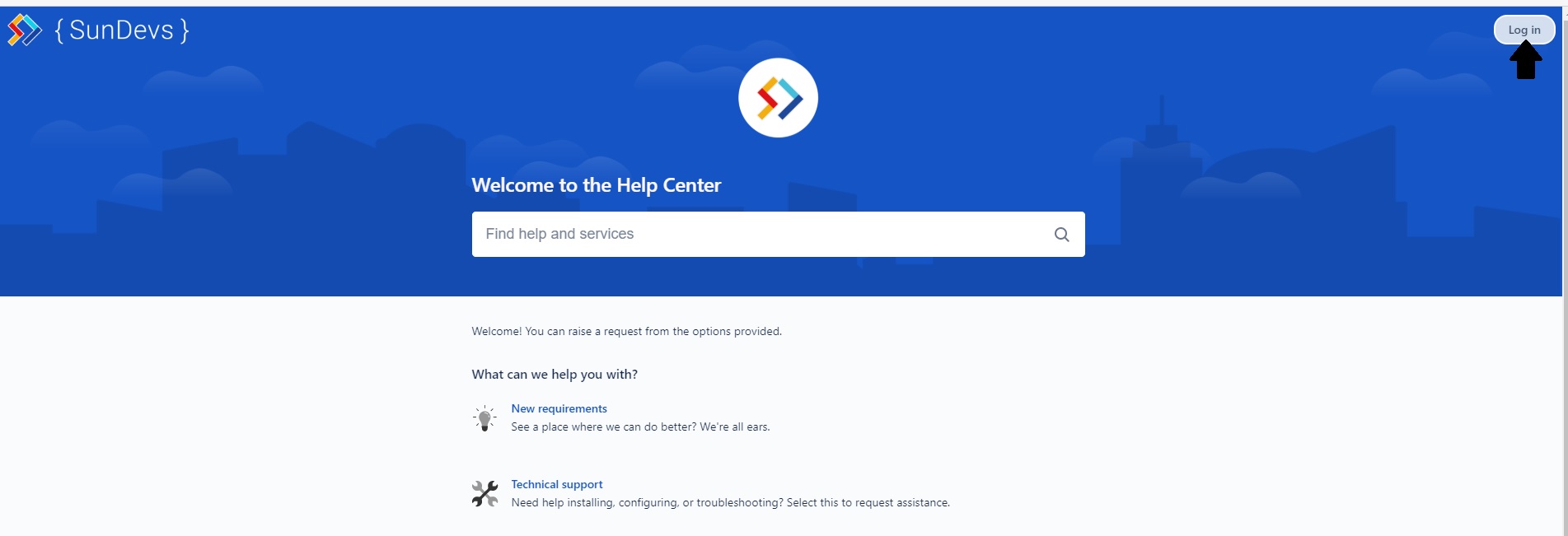
In the top right corner there is an option to log in, by clicking there, it will take you to the login screen, since you are not a registered user you will need to click on the option to Enroll

When entering there you will have a field where you must introduce your email and enable the option of Send Link which will be sent to your email and there you must fill in the requested fields.
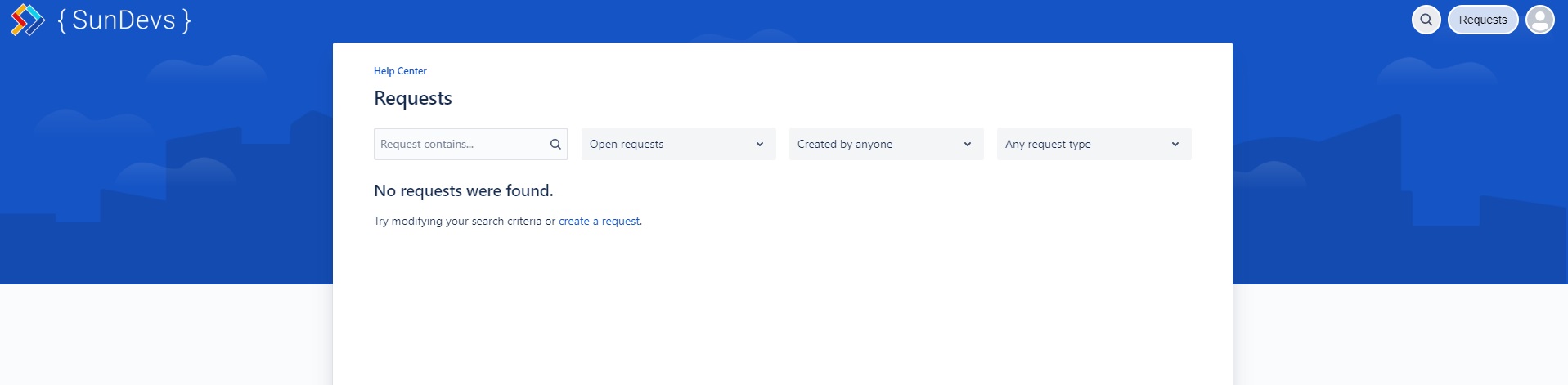
When you finish, it will immediately take you to the support portal but now with the difference that you have already logged in with your user. In the top right corner, you will see if you have pending requests and the option to view your account, by using either of them you will be able to see some information depending on the requests you have made previously.
Related Content:
Error type request
Request type Technical Support and Other questions
SLA for all types of requests